STEP BY STEP GUIDE ON HOW TO CREATE YOUR AWS FREE TIER ACCOUNT AS A BEGINNER
INTRODUCTION
When I started learning about cloud computing, AWS Free Tier felt like the perfect hands-on opportunity. Setting up the account was easier than I expected, and I documented every step so you can follow along. If you're a beginner like me, this guide will walk you through the process.
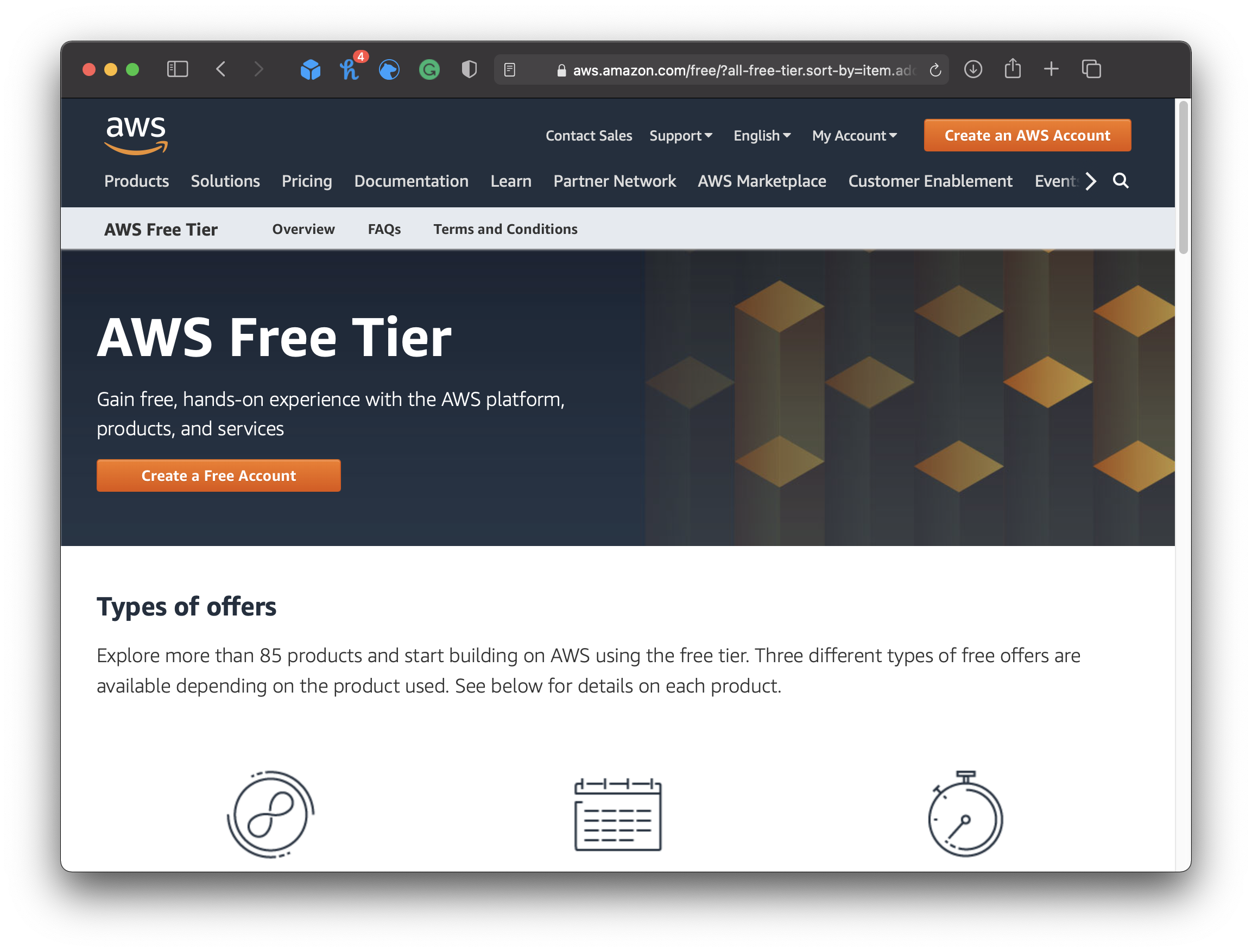
Step 1: Go to the AWS Free Tier Page
- Visit the AWS Free Tier page.
- Click on "Create a Free Account.
Step 2: Sign Up for AWS
- Enter your email address and choose a strong password.
- Provide a unique AWS account name.
- Click “Continue.
Step 3: Enter Personal Details
- Select Account Type: Choose Personal if you're creating it for yourself.
- Fill in details like your full name, phone number, and country.
- Agree to AWS Terms and click “Continue.